Every serious luminaire ships with a photometric file, and most of them are never opened. That is a pity, because the ten minutes spent reading one answers the questions that renders cannot: will this corridor feel bright enough, will the wall wash reach the floor, will the guest at table fourteen be staring into a glare source. This guide covers the two file formats, the handful of numbers that matter, and how to put them to work before anything is ordered.
IES and LDT: same physics, different dialects
An IES file (IESNA LM-63) and an LDT file (EULUMDAT) both describe the same thing: how much luminous intensity a fixture emits in every direction, measured in candela per 1000 lamp lumens. IES is the North American convention, LDT the European one; Dialux and Relux read both, and manufacturers — QAVUN included — supply either on request. The file also carries total luminous flux, input power and the geometry of the emitting surface. If a supplier cannot produce one, the fixture has no place on a specification-grade schedule.
The polar curve: the fixture's signature
Open the file in a viewer and the first thing shown is the polar curve — a cross-section of the light distribution. Learn to read three shapes at a glance. A narrow teardrop hugging the vertical axis is an accent beam: high candela straight down, quick fall-off — art, tables, merchandise. A wide bell is general lighting: lower peak intensity spread across 60–90 degrees, right for ambient layers. A batwing pushes its maxima away from vertical, lighting walls or worktops evenly while sparing the zone directly beneath — the shape you want for wash optics. The curve on each QAVUN product page is exactly this diagram in miniature.
Beam angle honesty
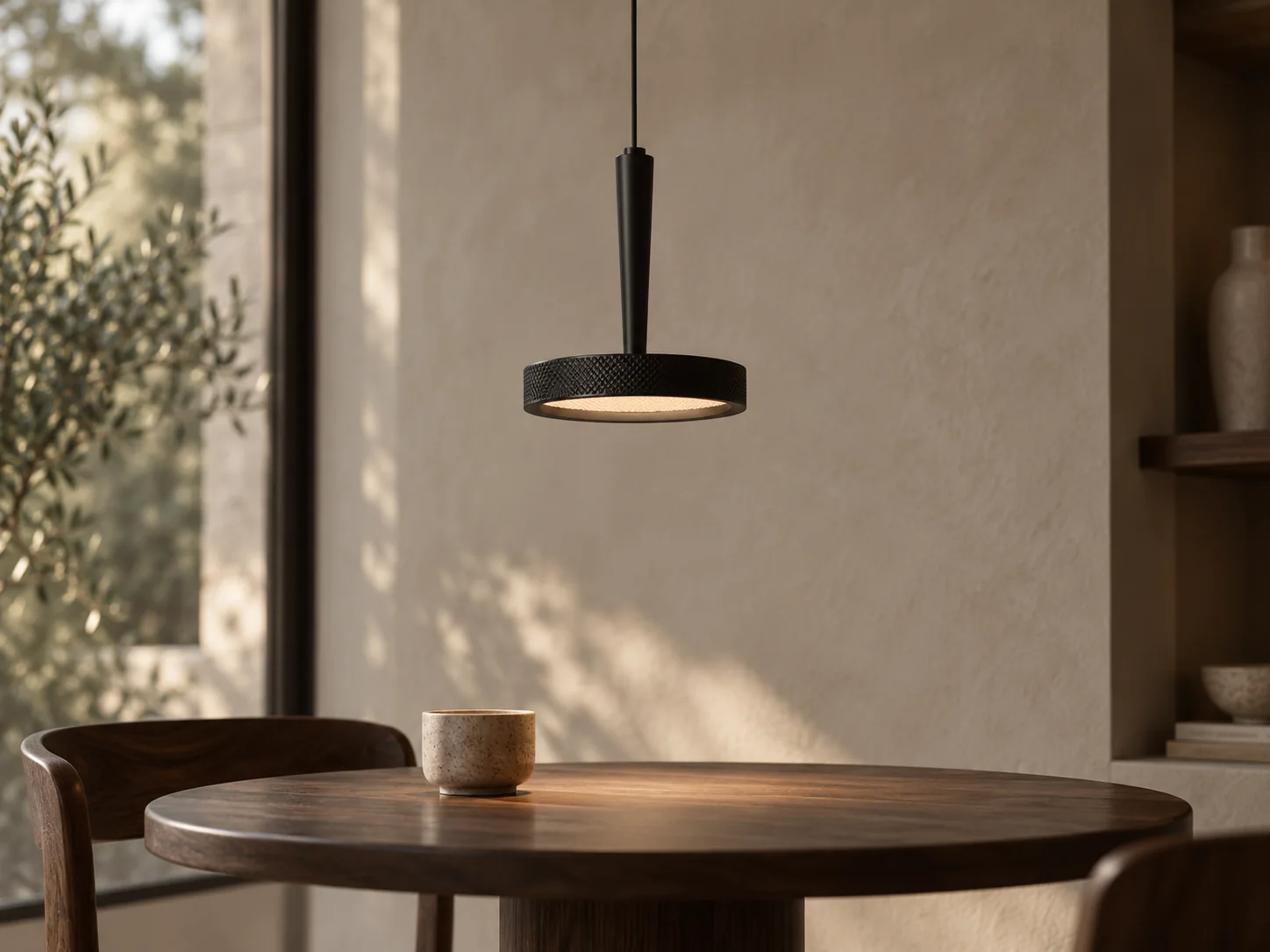
Beam angle is defined as the cone where intensity stays above half of the peak — the field beyond it still receives light. Two fixtures can both claim 36 degrees yet feel different because one has a soft shoulder and the other a hard edge; the polar curve shows which. For accents, remember the rule of thumb: beam diameter is roughly twice the distance times the tangent of half the angle. A 24-degree spot three metres above a table paints a pool about 1.3 m wide — check that against the table before, not after, the ceiling closes.
Lumens are not lux
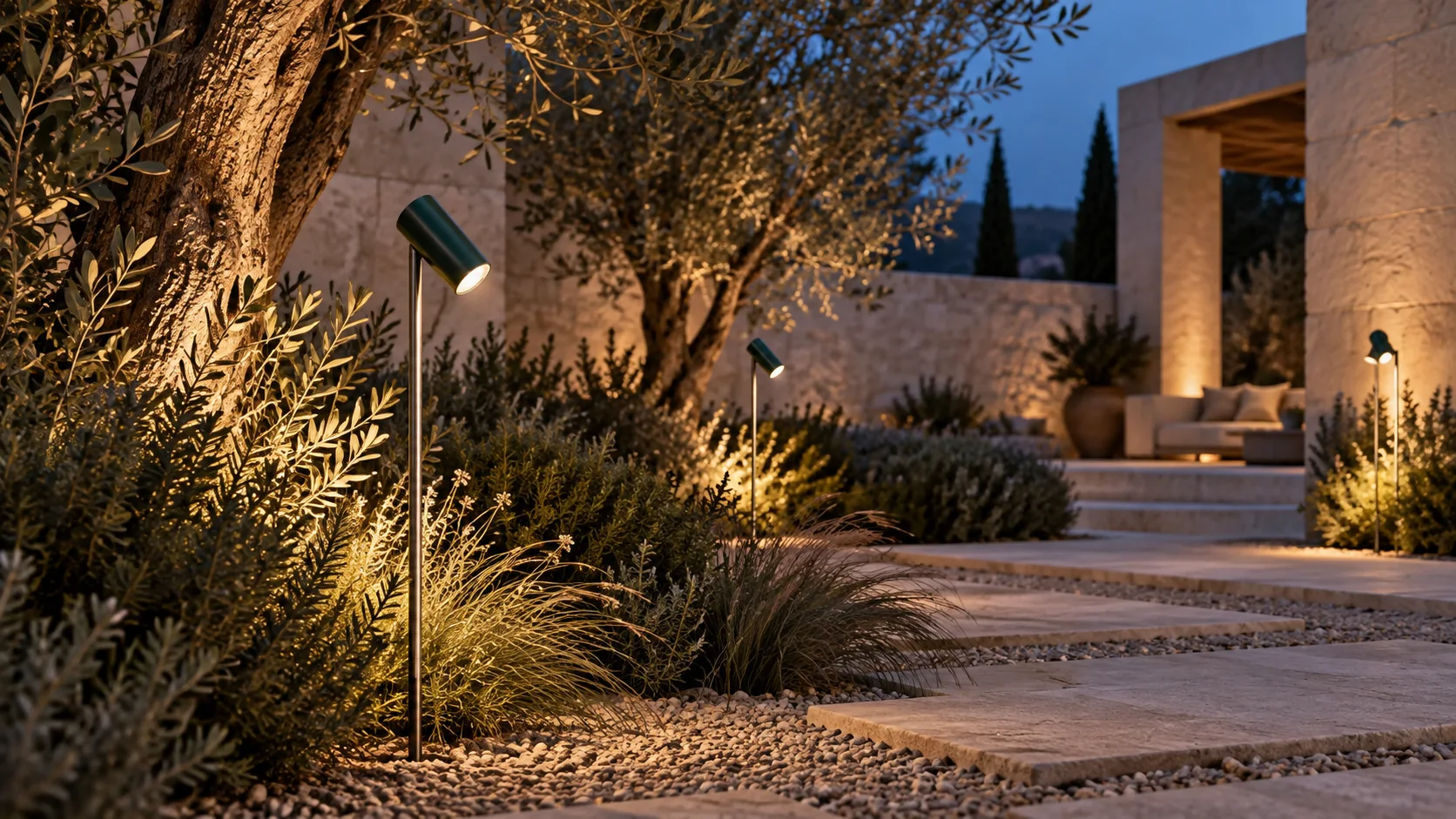
The file's headline lumen figure is what leaves the fixture; lux is what arrives on a surface, and it collapses with distance squared. This is why comparing luminaires by lumens alone misleads: a 900 lm narrow spot delivers far more lux on a painting than a 1500 lm diffuse ceiling fixture. Targets worth memorising: 100–150 lx ambient in living spaces, 300 lx on kitchen worktops and desks, 150–200 lx in hotel corridors at floor, 50 lx for garden paths.
Glare: the number renders never show
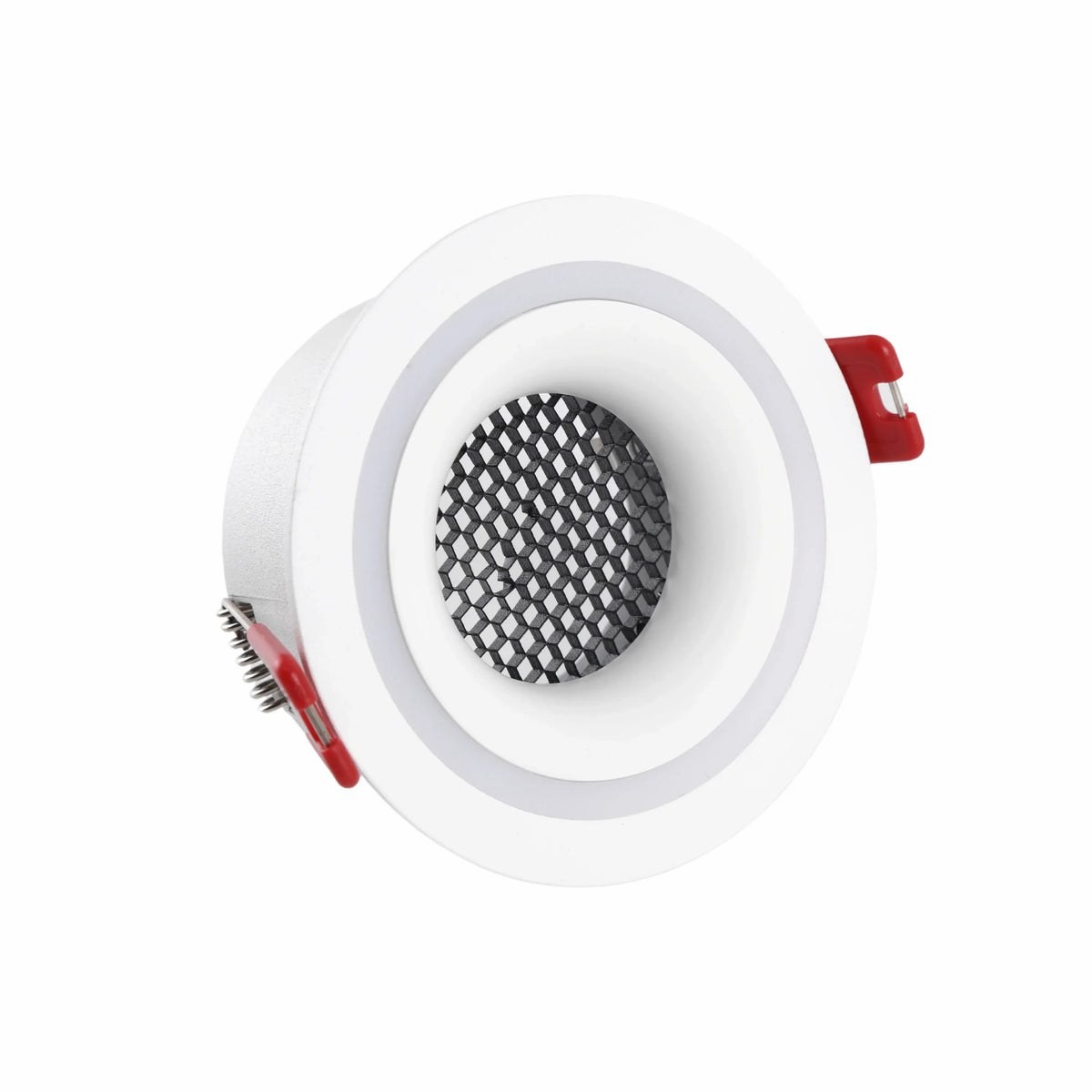
UGR (Unified Glare Rating) estimates discomfort glare for a viewing situation: below 16 is imperceptible, 19 is the usual office ceiling limit, above 22 becomes intrusive in dwell spaces. Deep-set sources, honeycomb louvres and dark inner reflectors all trade a few per cent of output for dramatically lower glare — the reason recessed families like our deep and honeycomb Holo variants exist. When a client says a space feels harsh despite correct lux, glare is almost always the culprit; the photometric file plus calculation software puts a number on it before the complaint exists.
Ten minutes in Dialux before ordering
Import the IES/LDT files into Dialux evo or Relux (both free), model the room's real surface reflectances — dark timber ceilings swallow light budgets renders don't show — place fixtures from your draft schedule, and read four outputs: average lux per activity area, uniformity, UGR from the main view directions, and the wall luminance that decides whether the room feels bright. Iterate spacing and beam angles in software, where moving a downlight costs nothing.
For each schedule line, ask the supplier for the IES or LDT file measured for that exact optic and finish combination, the luminaire lumen figure (not the bare LED figure), and the test standard it was measured under. We provide IES/LDT photometry for QAVUN fixtures on request through every product page — send the schedule, and the files arrive ready to drop into your calculation. The renders sell the scheme; the photometry is what makes the built room match them.